Zipit Toys
Baseus Magnetic Case For iPhone 18 Pro Max Wireless Charging For Magsafe Case For iPhone 17 Pro Max Slim Thin Clear Cover Case
Baseus Magnetic Case For iPhone 18 Pro Max Wireless Charging For Magsafe Case For iPhone 17 Pro Max Slim Thin Clear Cover Case
Couldn't load pickup availability
Description
Description
SPECIFICATIONS
Brand Name: BASEUS
Choice: yes
Clear Case: For iPhone 18 17 Pro Max Case
Compatible Brand: APPLE
Feature: Glossy, Transparent, Clear, Slim, Flexible, Crystal
Features: Magnetic
High-concerned chemical: none
Magnetic Case: For iPhone 18 17 Pro Max
Magnetic Phone Case: For iPhone 18 Pro Max Case
Main Material: PC,Pc + tpu
Official Case: For iPhone 18 17 Pro Max
Origin: Mainland China
PC Back Case: For iPhone 18 Pro. 18 Pro Max Case
Support: Dropshipping, Wholesale, retails
semi_Choice: yes
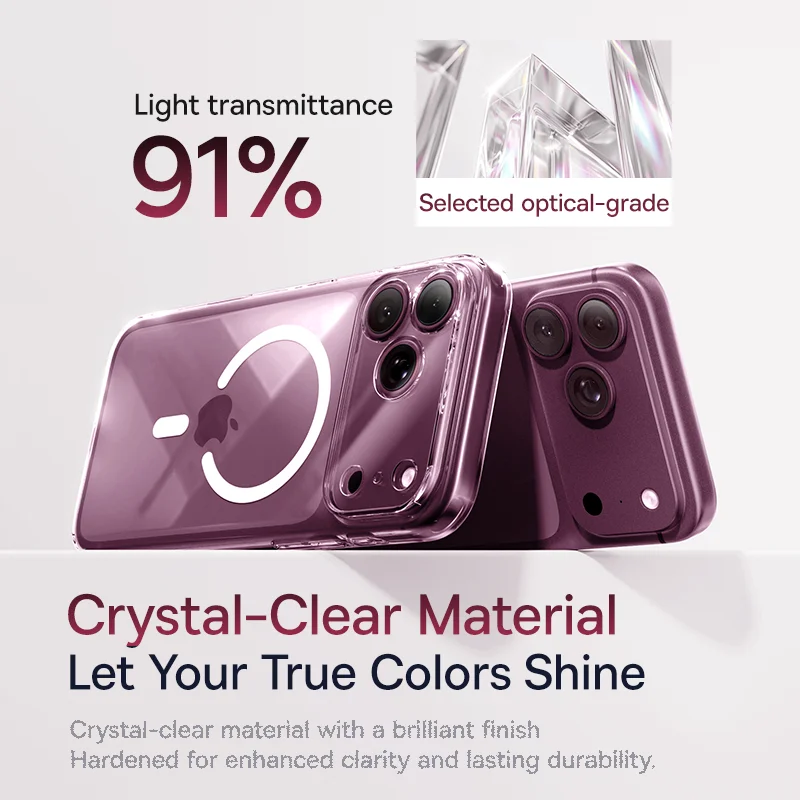
Crystal-Clear Material, Let Your True Colors Shine
Crystal-clear material with a brilliant finish. Hardened for enhanced clarity and lasting durability.
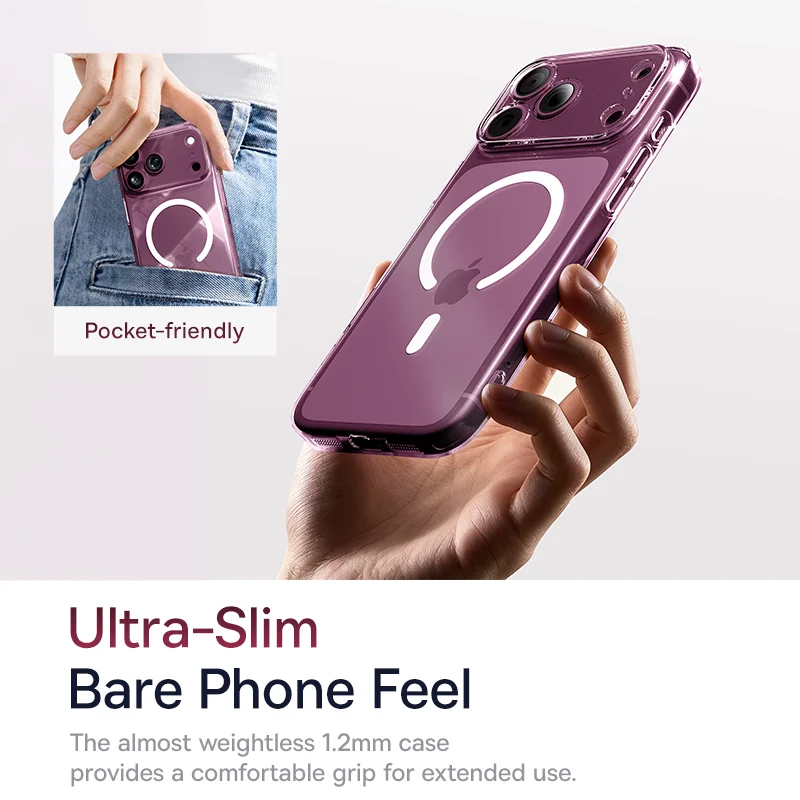
Ultra-Slim, Bare Phone Feel
The almost weightless 1.2mm case provides a comfortable grip for extended use.
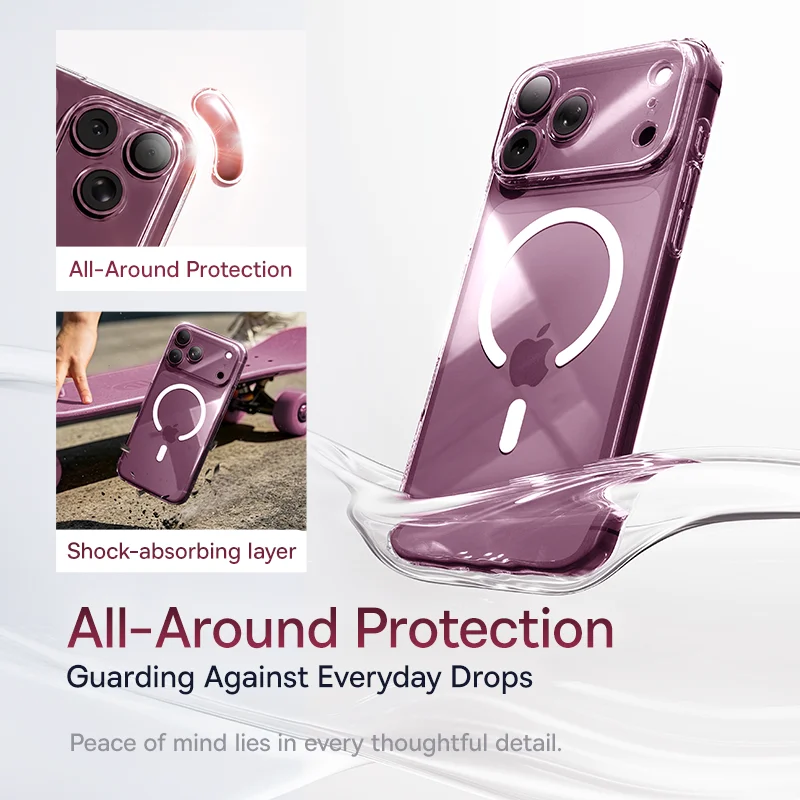
All-Around Protection, Guarding Against Everyday Drops
Peace of mind lies in every thoughtful detail.
✔ Full lens protection
✔ Reinforced corners
✔ Shock-absorbing layer
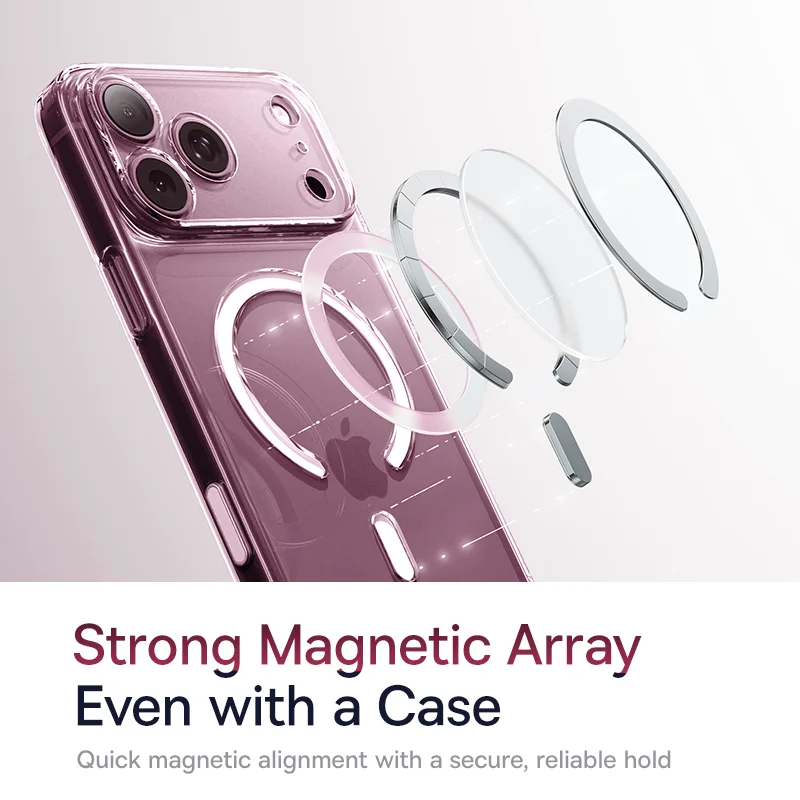
Strong Magnetic Array, Even with a Case
Quick magnetic alignment with a secure, reliable hold
✔Daily charging
Firmly attaches to wireless chargers and power banks
✔Casual outings
Attach accessories like phone stands or magnetic wallets
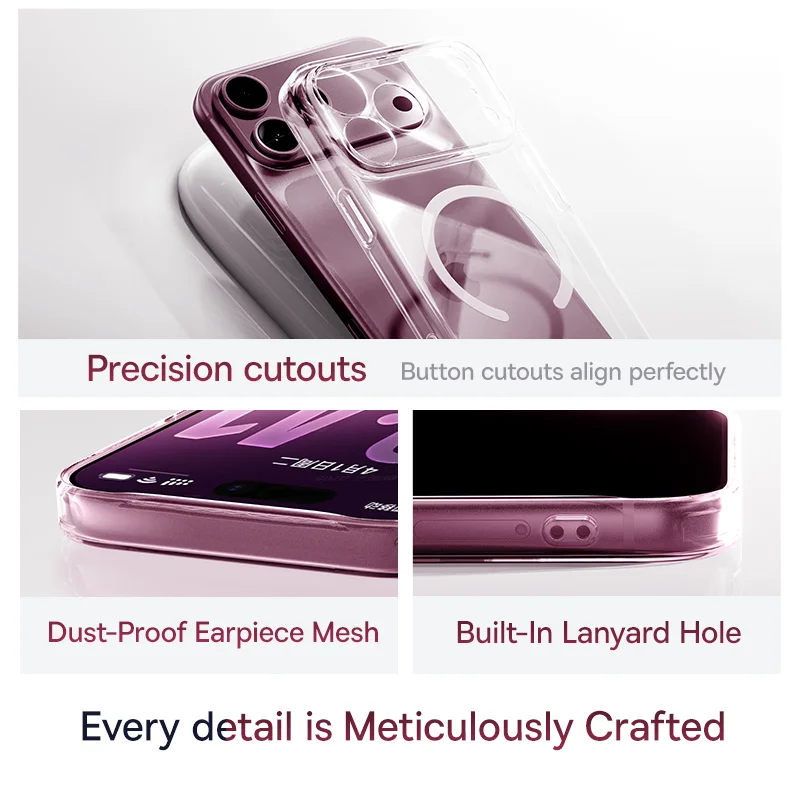
Every detail is Meticulously Crafted
✔ 1:1 Precise Cutouts
Precise button alignment
✔ Dust-Proof Earpiece Mesh
Blocks dust for crystal-clear audio
✔ Built-In Lanyard Hole
Attach accessories as you like
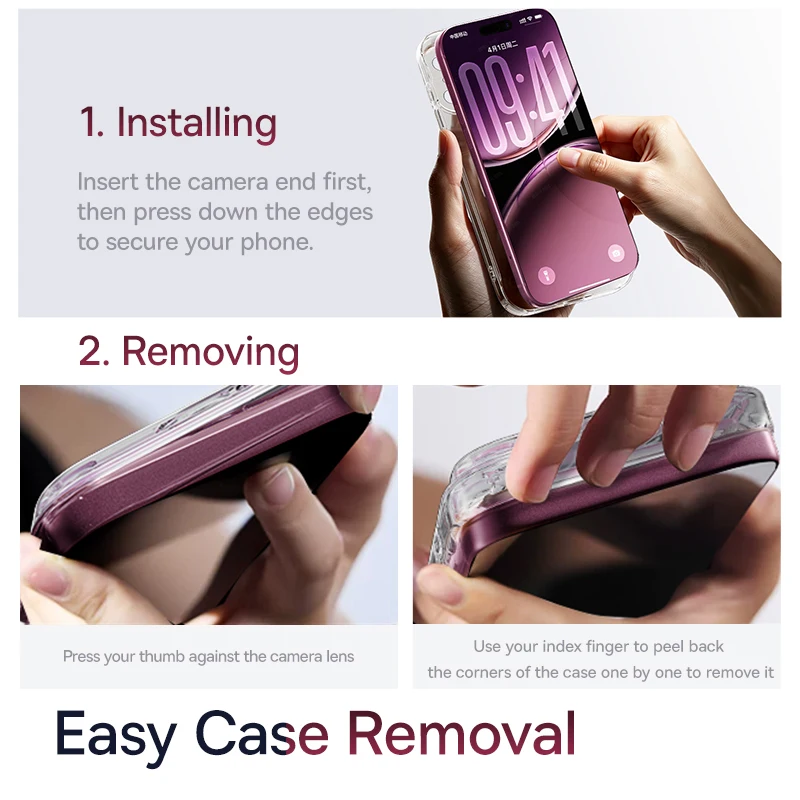
Easy Case Removal
1. Installing the Phone Case
Insert the camera end first, then press down the edges to secure your phone.
2. Removing the Phone Case
Press your thumb against the camera lens
Use your index finger to peel back the corners of the case one by one to remove it